

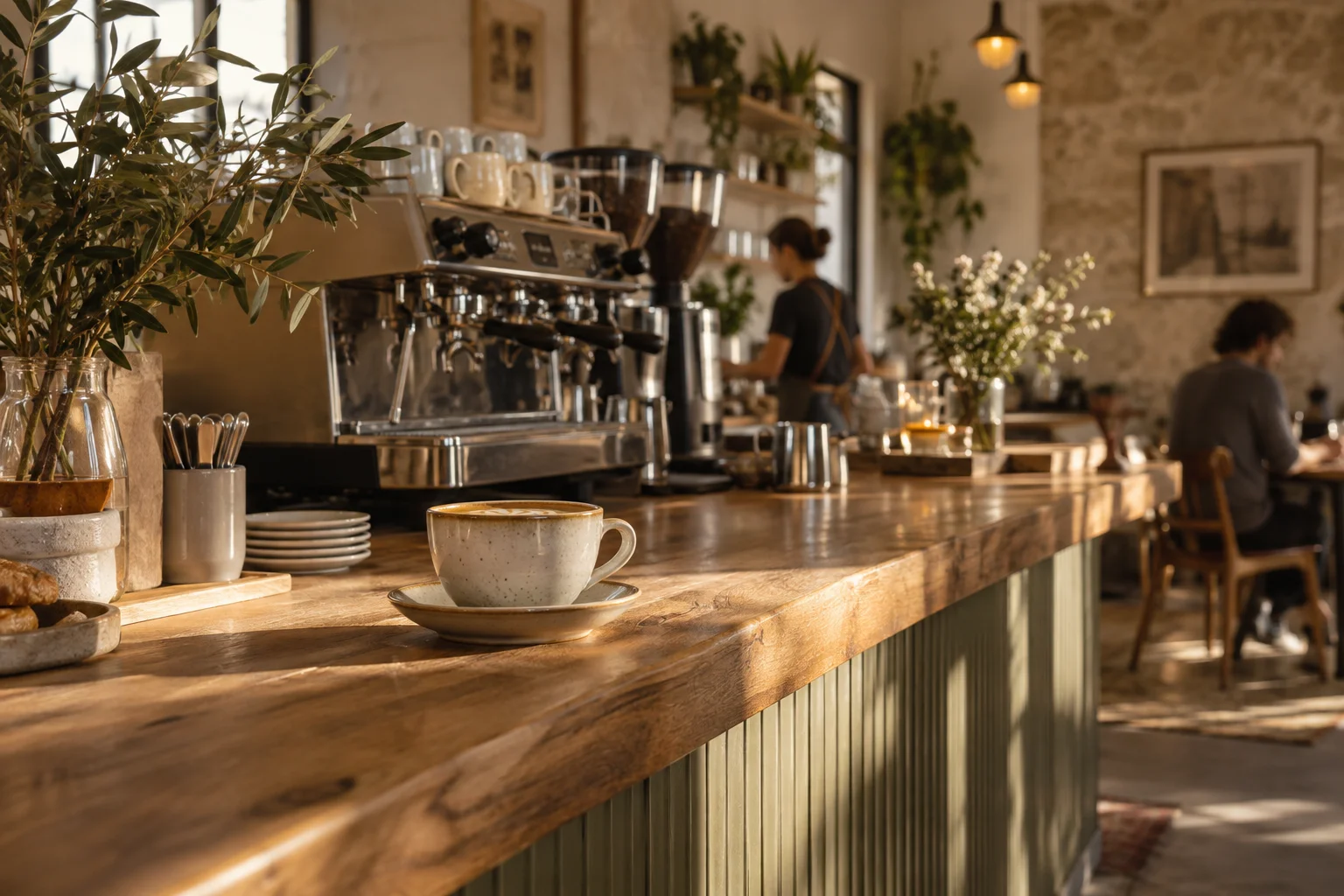
FOR CAFÉS
More time for your guests.
Sales and stock under control, from morning coffee to closing time.
FOR YOUR BUSINESS
Sales, inventory and your menu in one place. Less admin for your team. Clear numbers for you.
For cafés, bars and shops.
 Already running at Barbar CafeYour team. Your brand. One system.
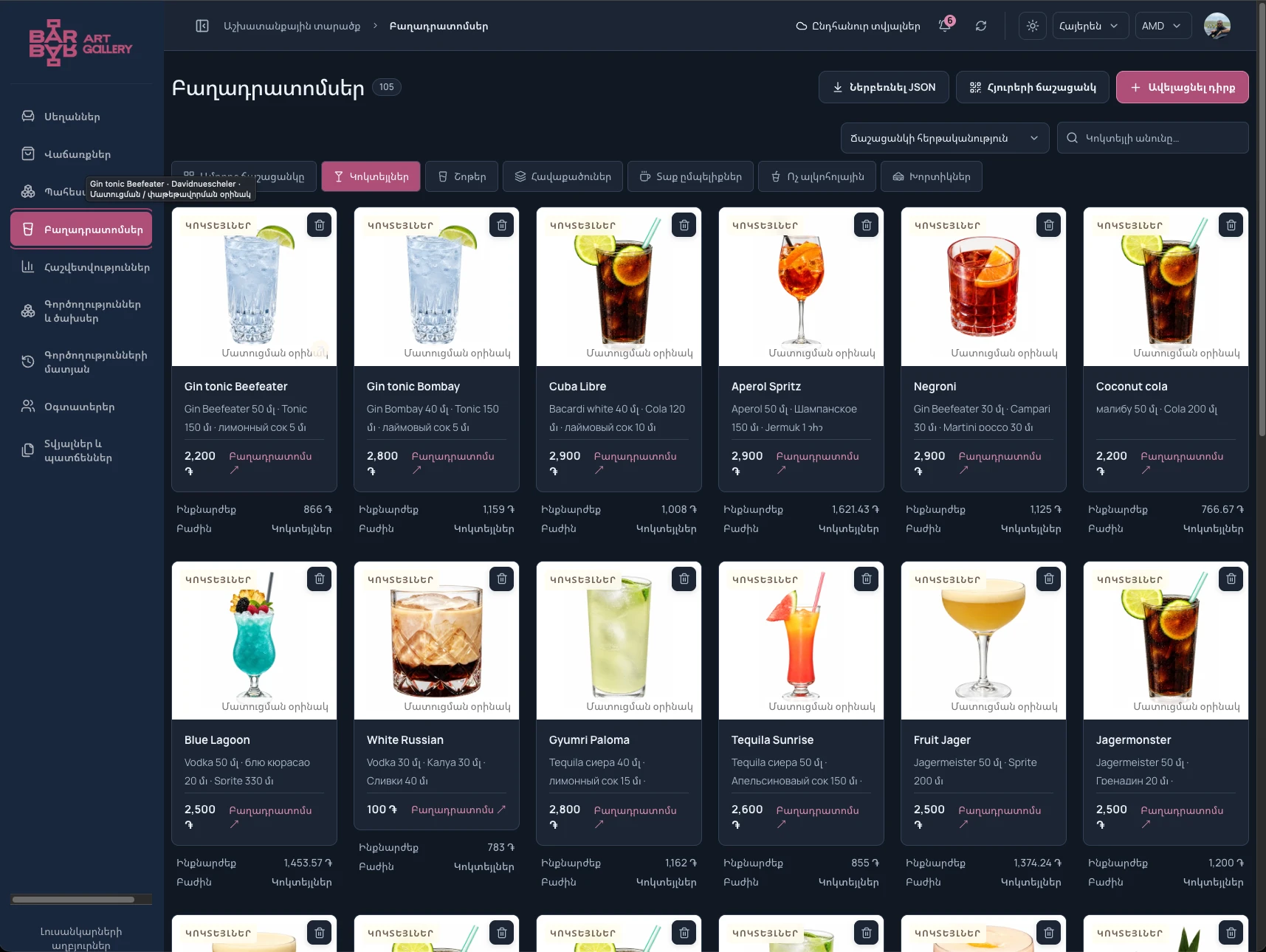
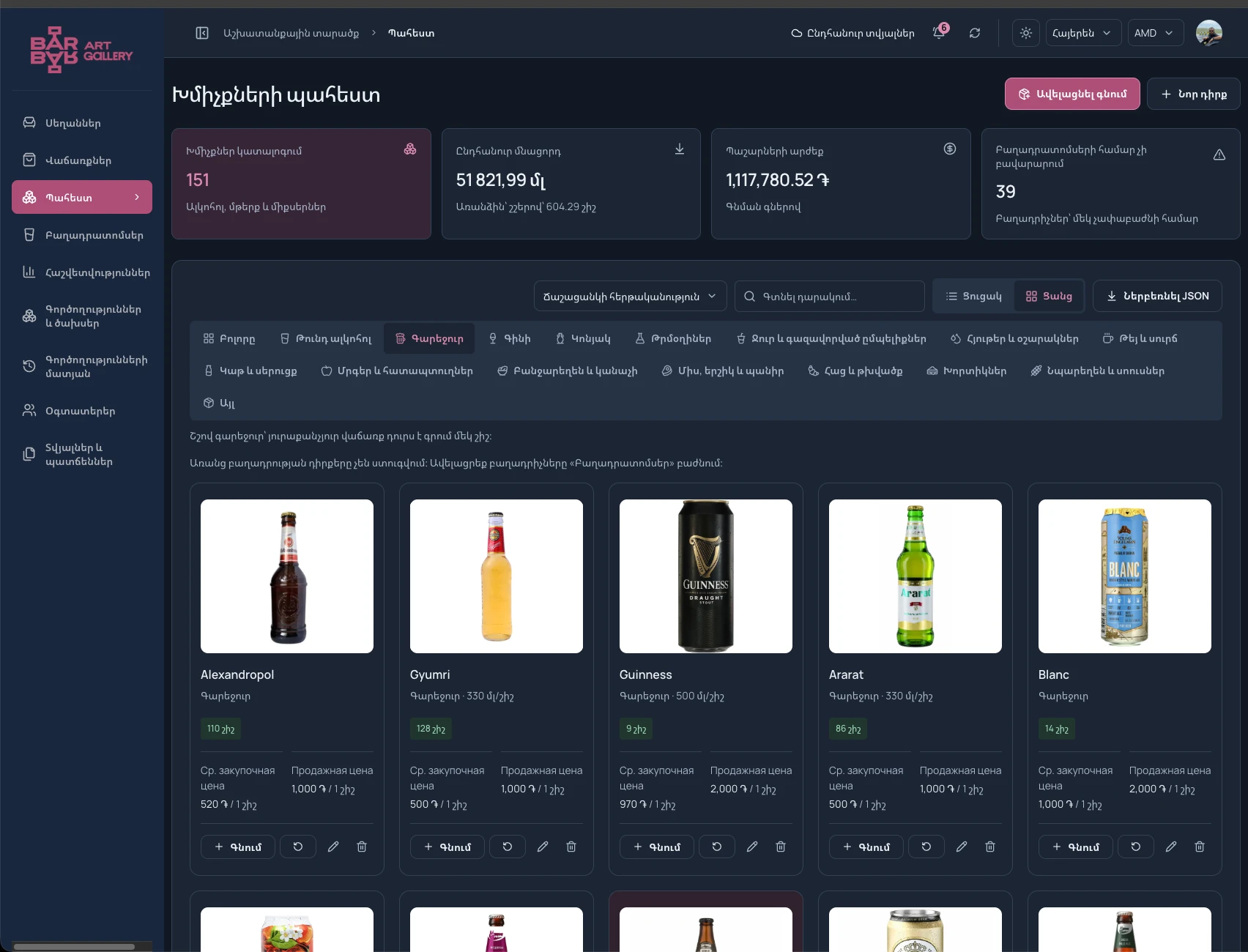
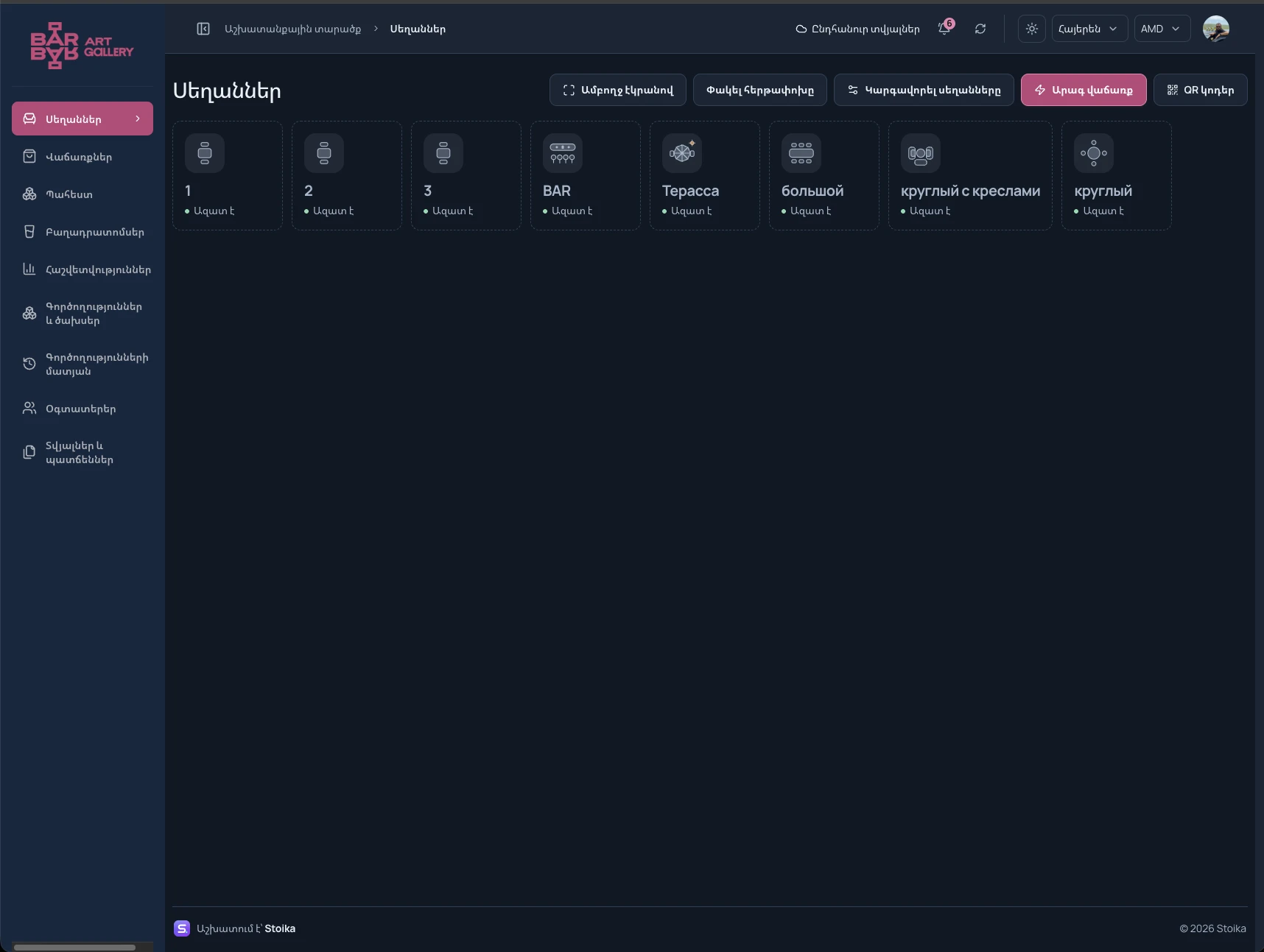
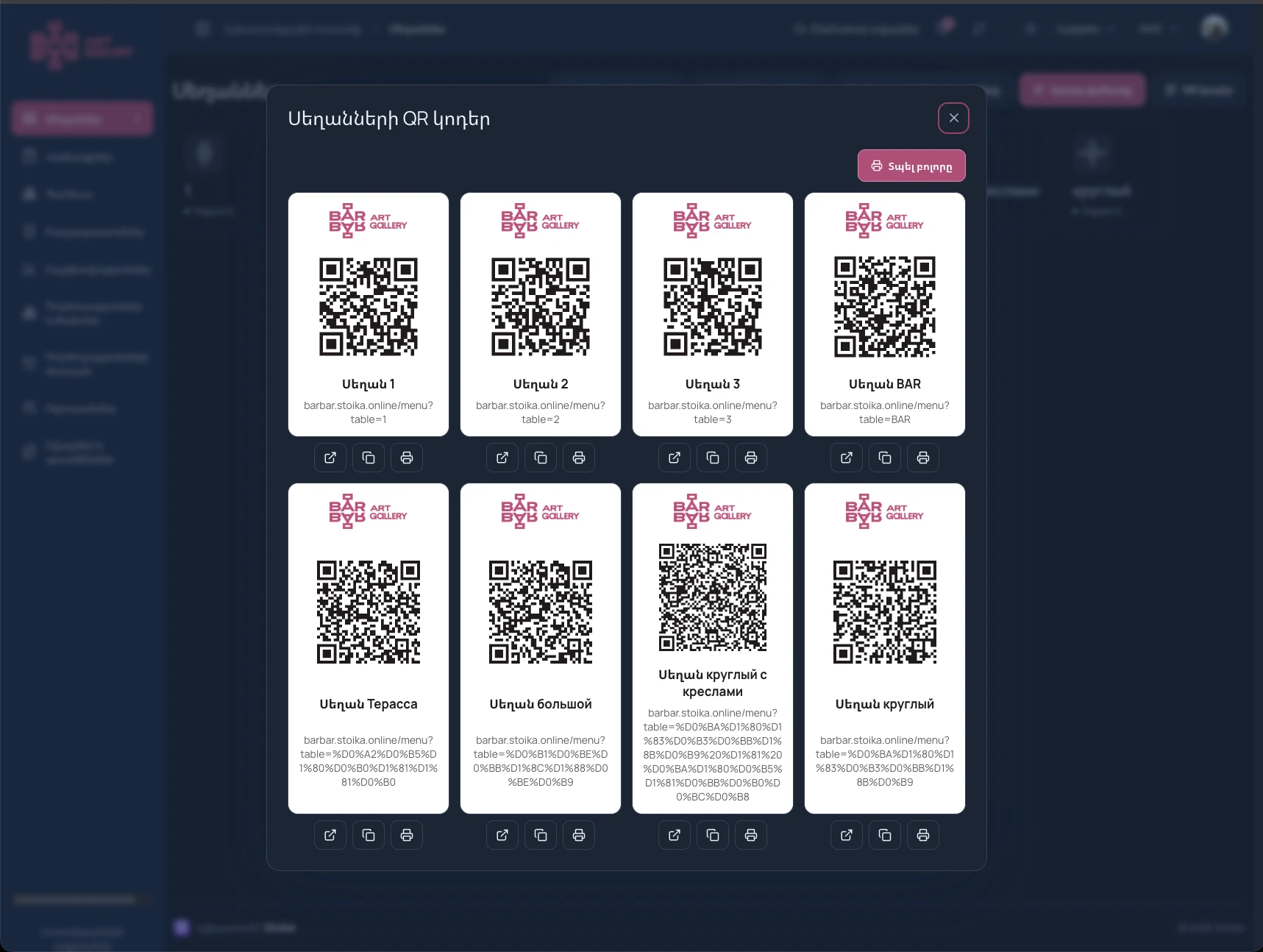
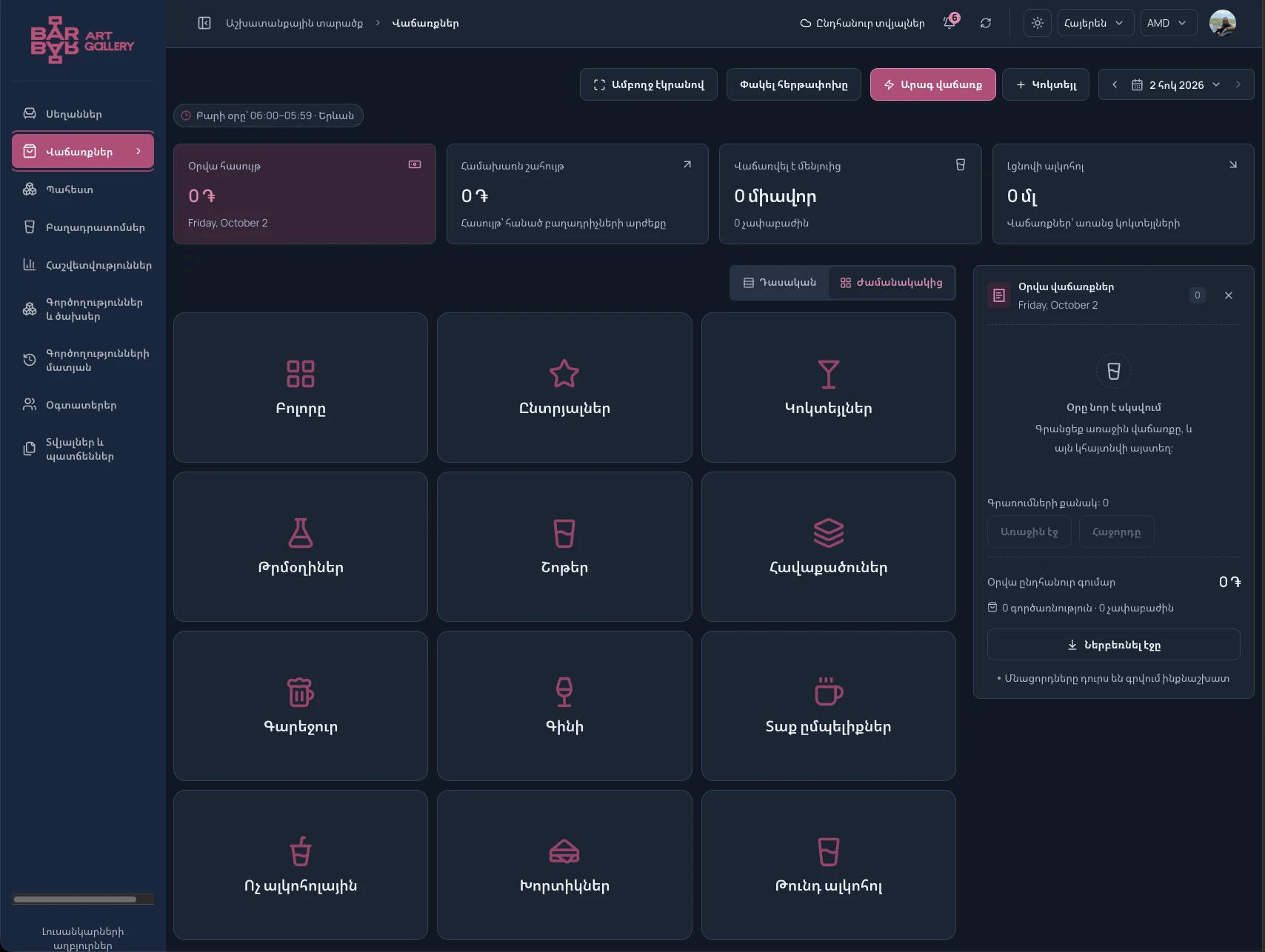
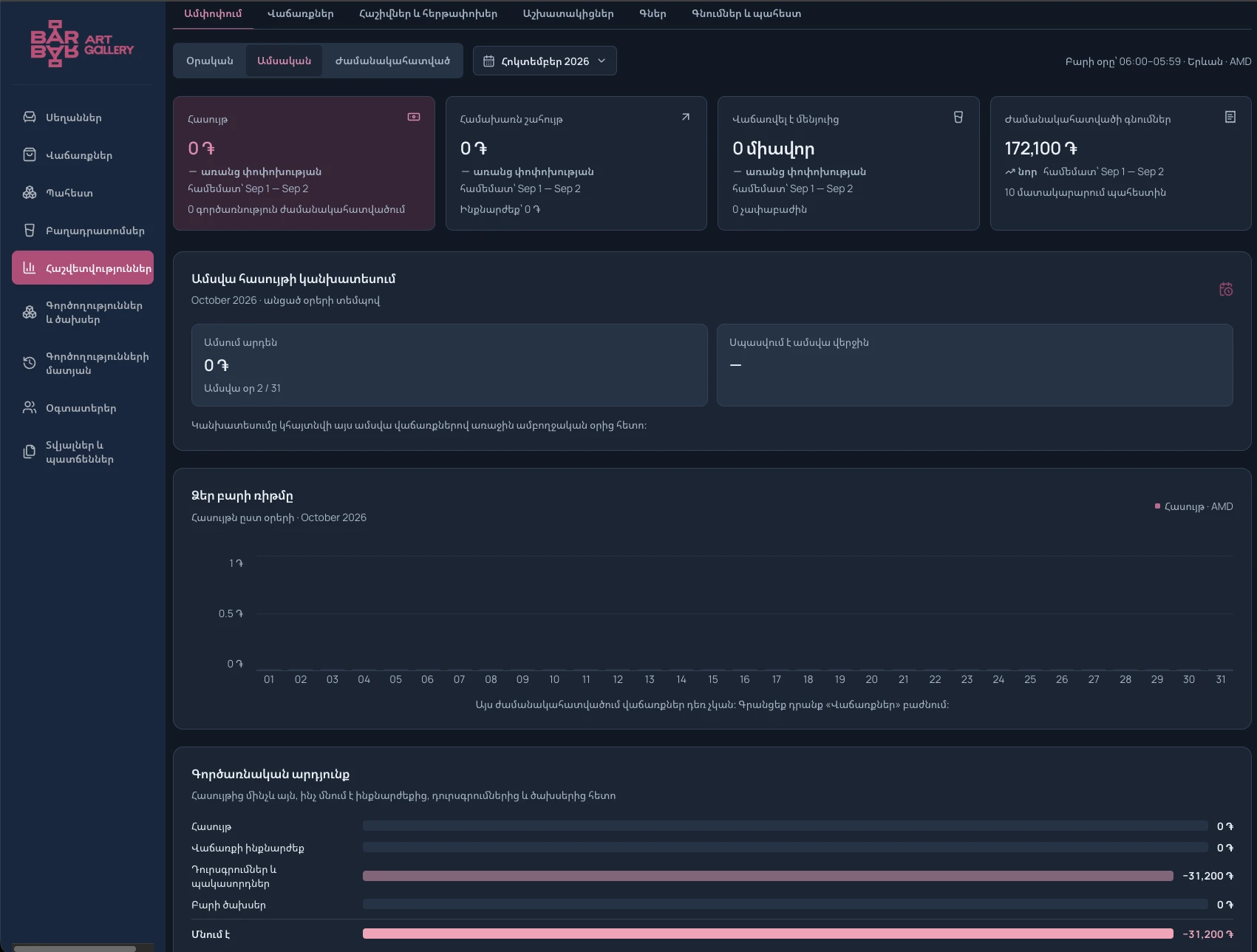
Sales and stock under control, from morning coffee to closing time.
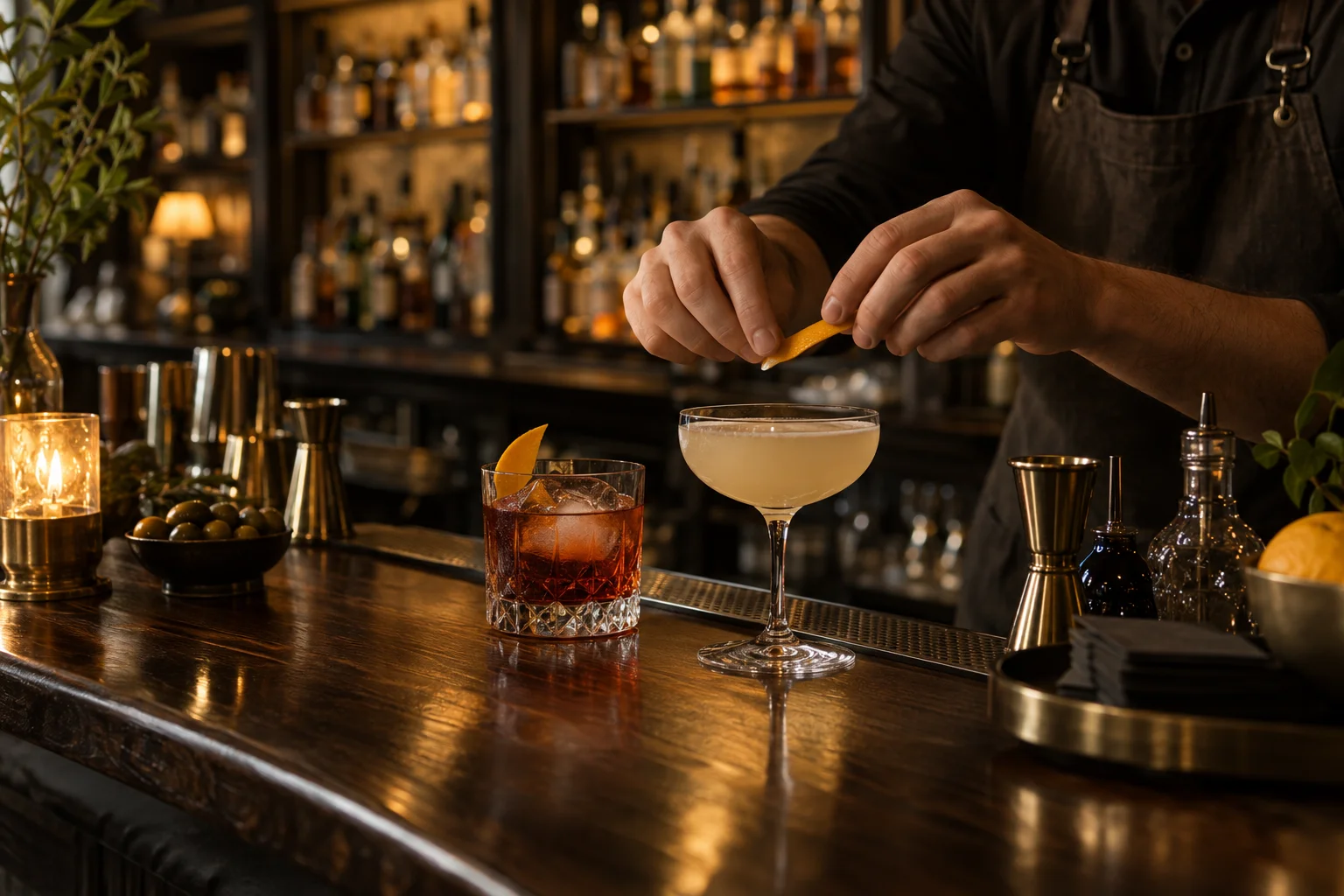
Tables, recipes and ingredients connected in one system.
MANY TASKS. ONE STOIKA.
Connected workflows instead of scattered spreadsheets. Your team gets on with work, and you see what is happening.
Record sales, keep table bills and take payments. Every transaction stays in your history.
Sales · Bills · ShiftsTrack purchases and stock levels. Recipes connect each dish or drink sold to the ingredients it uses.
Inventory · Recipes · CostGuests open the menu with a QR code and send an order. Your staff review and accept it, keeping you in control.
QR menu · Guest ordersCreate a production plan or daily production. Ingredients and finished preparations are tracked in stock.
Plans · Daily production · StockOne interface in your browser and in Android, Windows, macOS and Linux apps. Download them from your venue’s Apps section.
Android · Windows · macOS · LinuxPreliminary bill printing is included in all plans. Fiscal integration is included in the Large Business and Networks plan at no extra charge after a compatibility check.
Preliminary bill · Fiscal terminalYour business, your rules. Branding, language, currency, pages and staff access are tailored to your business.
HOW IT CONNECTS
On their phone, with the table QR code.
Reviews the order and records the sale.
The sale is recorded and stock is updated.
OUR FIRST CUSTOMER
Barbar Cafe is Stoika’s first customer. Sales, recipes, inventory and the guest menu already work together in one app.
Their character. Their brand. Their Stoika.
STOIKA AT WORK
Real Barbar Cafe screens. Click an image to see the details.
STOIKA + QR
The table QR code opens the menu on the guest’s phone. Staff receive the request, and accepted items are added to the table bill.
Photos, prices and recipes on the guest’s phone.
Quantities, a comment and the total before sending.
The request status and accepted items, right in the same cart.
Feedback on the menu, bar and service.
Payment method and tip in a few taps.
STOIKA ADMIN
Manage your venue website through Stoika admin. Configure the sections available to you without a developer.
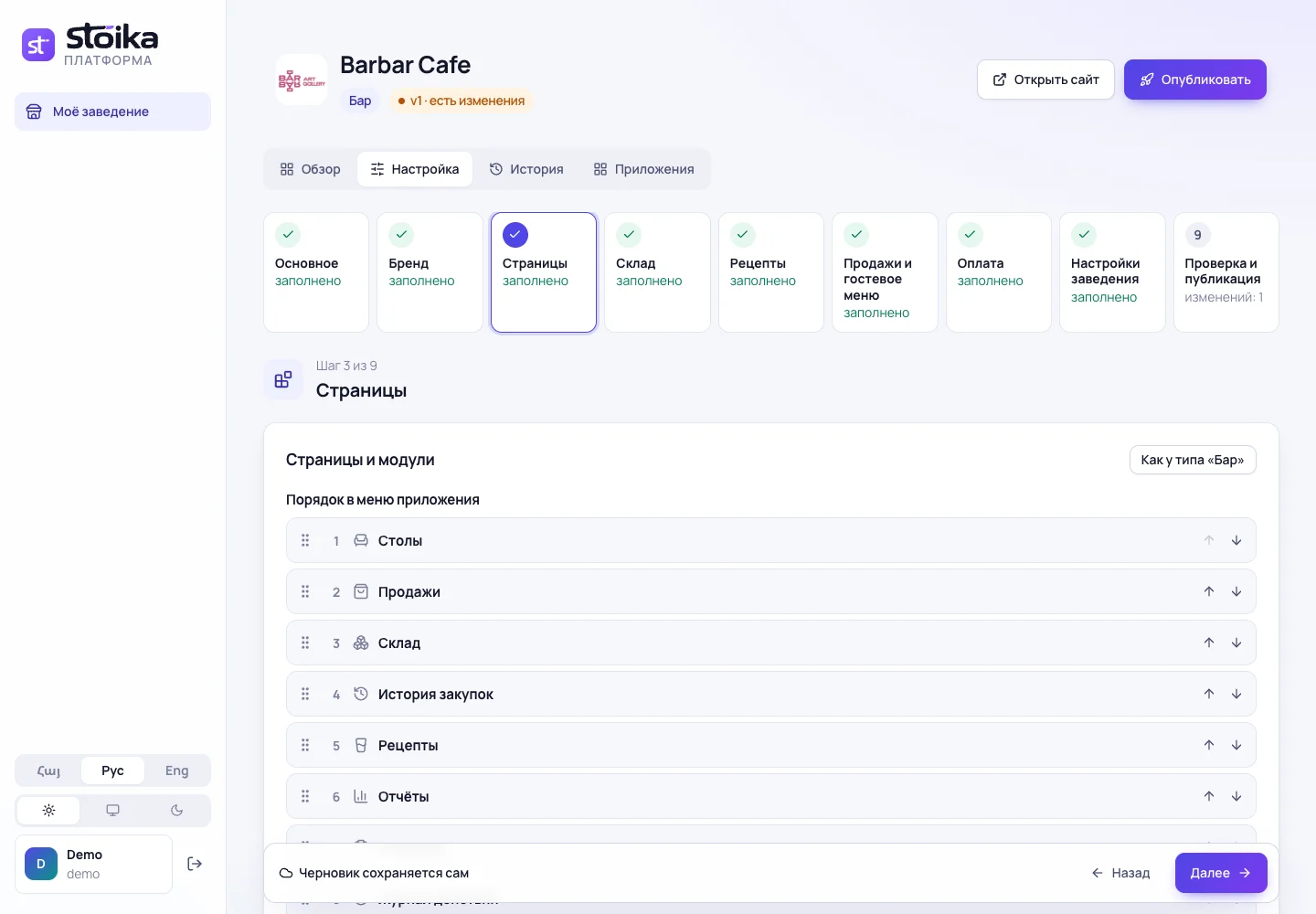
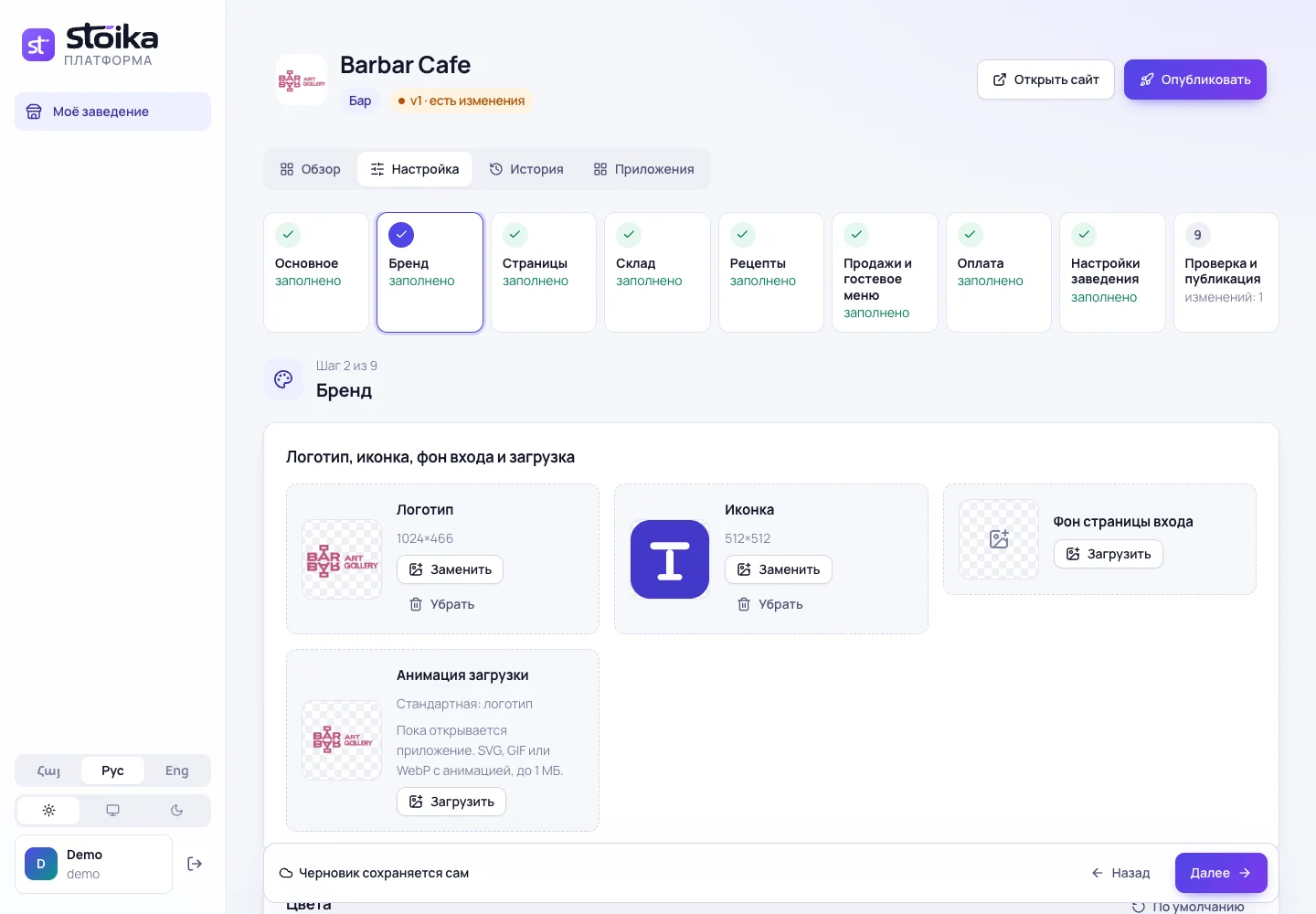
Menu, languages and payment settings are also available. Features depend on your plan and permissions; changes are published after review.
PRICING
Choose what your business needs. Monthly prices in Armenian drams. We’ll discuss setup with you.
For small shops, restaurants and bars. Sales, QR menu, kitchen, stock, recipes, shifts, reports and delivery.
25 000 ֏ / month
For medium businesses. Everything in Small Business, plus advanced analytics, custom reports, sales forecasting, loyalty and staff planning.
38 000 ֏ / month
For large restaurants and other venues, as well as networks. Everything in Medium Business, plus venue network, central kitchen transfers, call centre and API.
54 000 ֏ / month per venue
Large Business and Networks costs 54,000 ֏ per month per venue. Each network branch or production kitchen is billed separately at 54,000 ֏ per month. The network call centre has no separate charge.
No automatic request surcharges or plan limits on order counts. We discuss growing load in advance.
Choosing a package enables features for your business type. Prices are the same across industries.
Apps are available as test versions. iPhone and iPad support is in development.
The bill printer is not included in the subscription and is purchased separately. Approximate cost: 40,000 ֏.
Fiscal integration is included in Large Business and Networks for 54,000 ֏ per month, at no extra charge.
We connect your existing terminal. If the standard connection does not fit, we build a separate integration at no extra charge. Compatibility is checked before launch.
Discuss setup ↗Add a product or recipe and Stoika creates an AI illustration when no photo is available.
Requires a connected generator computer. Setup is arranged separately.
Discuss setup ↗Preliminary launch prices · One location per plan · Hardware and custom work are discussed separately.
YOUR NEXT STEP
We’ll show you the system and discuss what your business needs.
Tell us about your business, team and daily workflow.
Follow an order through to the report and choose the features you need.
Discuss your catalog, brand, languages and staff access.
BEFORE YOU JOIN
We’ll discuss the rest together, with your business in mind.
Talk to usUse a browser or install the app for Android, Windows, macOS or Linux. Apps are included in all plans; access is checked for your venue. Sync requires internet. iPhone and iPad support is in development.
All plans include sales, POS, QR menu and guest orders, stock, recipes, reports and delivery. Medium Business adds analytics, custom reports, sales forecast, loyalty and staff scheduling. Large Business and Networks adds venue networks, central kitchen, call centre and fiscal integration at no extra charge.
Yes. Your logo, colors, languages and workspace sections can be configured for your business. Guests see your menu and staff have their own workspace.
A monthly subscription for one location. We discuss equipment, setup and custom changes before getting started.

Tell us about your business — we’ll help you choose a plan and show how Stoika fits your daily workflow.
Message us on Telegram